Photo Selection
Selection limit
Control how many photos your client can choose with a configurable limit and visible counter.
The selection limit lets you define how many photos your client can choose. This is essential when you offer packages with a fixed number of included photos.
How to enable it
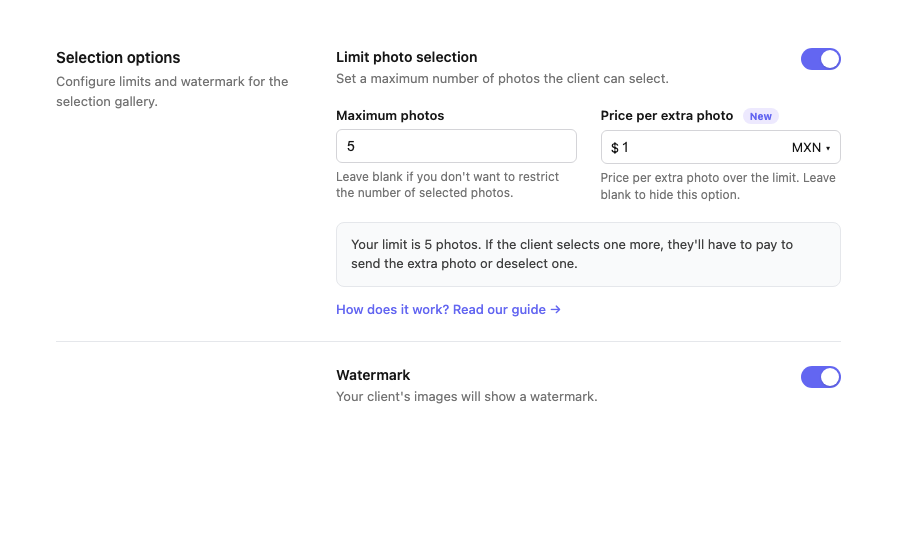
When creating or editing a gallery, turn on the Limit photo selection option and set the maximum number.
What your client sees
- Visible counter. Your client sees how many photos they have selected and how many they have left.
- Clear limit. When they reach the limit, they cannot select more unless they deselect one.
- Extra photos. If you set a price, they can pay to add more photos. See extra photos →
If you don't enable the limit, your client can select as many photos as they want without restriction.