Getting Started
Create your first gallery
Your gallery will be ready in less than 5 minutes. All you need is a name and some photos.
ChooseYourPictures is designed so you can create galleries quickly and share them with your clients instantly. Your client does not need to create an account to view the photos.
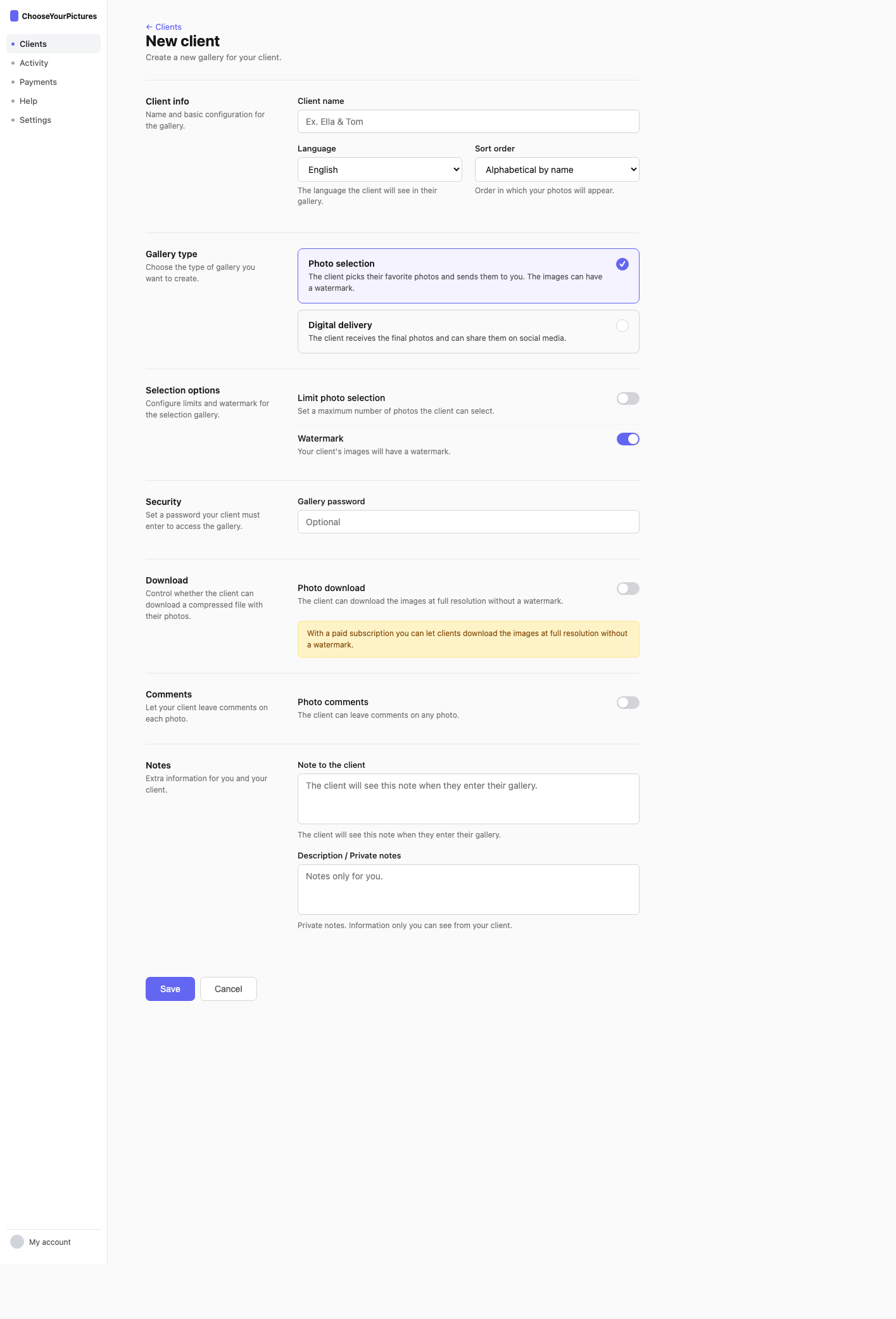
- New client. Click the "New client" button on your main dashboard and enter your client or session name.
- Gallery type. Choose between Selection (for your client to pick favorites) or Delivery (to send edited photos). Learn the difference →
- Options. Configure selection limit, price per extra photo, watermark, file download, and more.
- Upload and share. Upload photos and share the link with your client. You can copy the URL or use the share button.
After creating the gallery
Once created, you will arrive at the photos screen where you can upload images. Your client can access the gallery from any device — computer, tablet, or phone — without needing to create an account or install anything.