Updates
The latest updates and improvements to the platform.
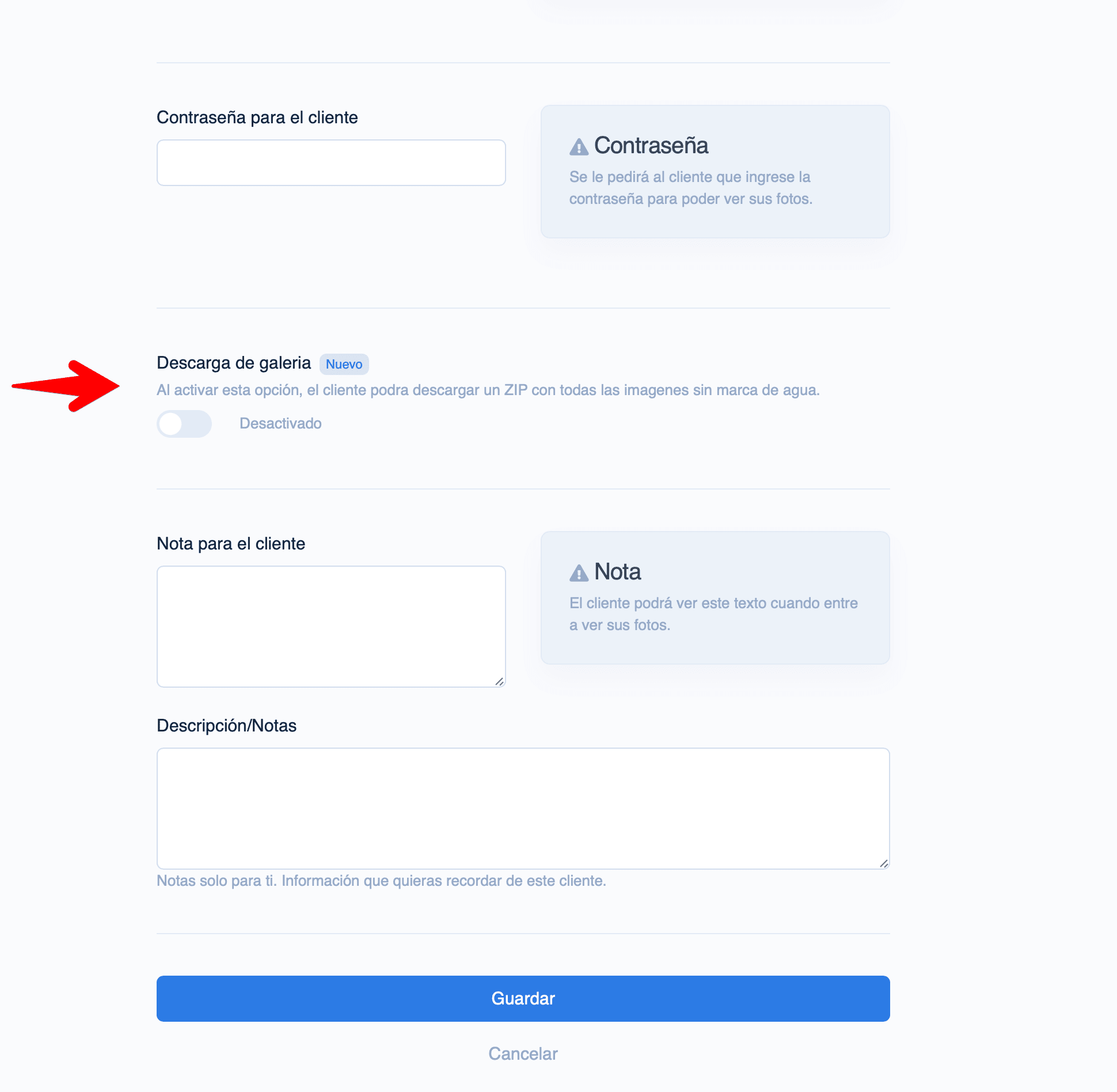
Photo comments, made clearer. Pro With photo comments your client writes on each photo what they want: which one to print, what to retouch, or which goes on the album cover. You get an email when they leave notes. The switch in the gallery form now shows that it is part of the Pro plan and links to the guide. Learn more →
Charge for sessions from the gallery. You can now set a price for gallery access or for downloading the full session, right from the gallery form. Your client pays by card before viewing or downloading, and the money goes straight to your bank account. Combine it with extra photo pricing: set a photo limit and a price per additional photo, and the gallery charges the client before sending you the selection. Both options need a connected Stripe account, which takes about 5 minutes from Payments. Learn more →
Live Session. Pro Connect your camera to your Mac and photos upload automatically while you shoot. Your clients see them appear in real time on their iPad or browser and can select their favorites instantly. When the session ends, the gallery converts to a regular watermarked selection gallery. Learn more →
Per-image Notes. Pro Add comments to each photo to communicate with your client directly in the gallery. Both the photographer and the client can leave notes — ideal for indicating retouches or preferences. Learn more →
Keyboard Selection. You can now press Enter to mark or unmark a photo as a favorite while viewing it in full screen.